Overview
RDPManager.exe is a Windows desktop application for organising, maintaining and launching Remote Desktop connections from one central place. It is built for people who regularly access servers, desktops and infrastructure systems and want a cleaner workflow than scattered RDP files and handwritten notes.
Store connection packs in password-protected files, organise hosts into folders, link entries to saved credentials, filter your list quickly and launch into Remote Desktop in a couple of clicks.
Remote Connections Manager is designed to reduce the friction of day-to-day support and infrastructure work. Instead of keeping separate shortcuts, remembering hostnames manually or bouncing between documents for usernames and passwords, the application provides a dedicated connection workspace.
The result is a faster and more consistent way to manage remote access across production, test, support and internal environments.
Key Features
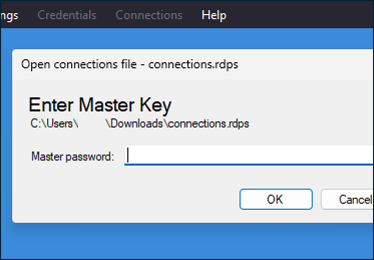
Password-protected connection stores
Create and open dedicated .rdps connection store files with password entry, making it easier to maintain separate packs for different clients, departments or environments.
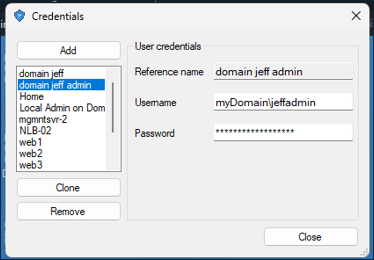
Credential management
Maintain a separate credentials list and link connections to a referenced credential rather than re-entering the same values repeatedly.
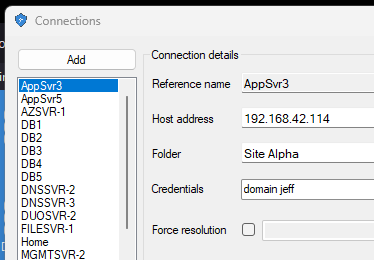
Connection management
Add, edit and maintain remote hosts with friendly names, hostnames, folders, icon choices and default credential references.
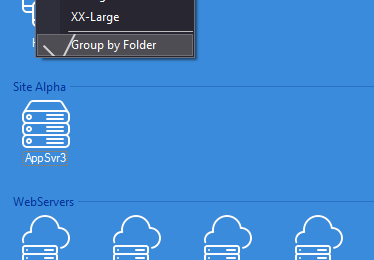
Folder grouping and filtering
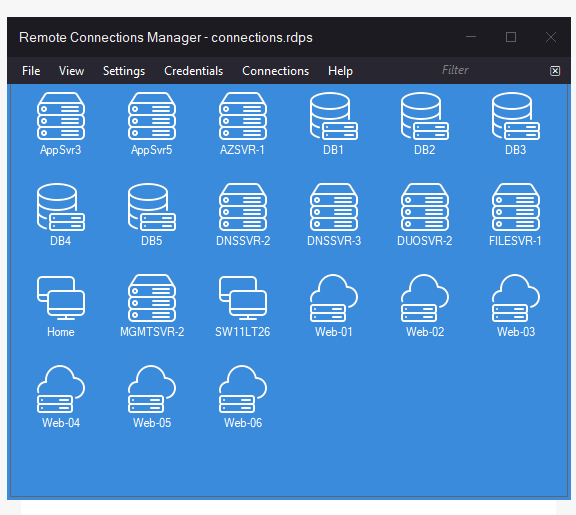
Browse larger environments more comfortably by grouping hosts into folders and narrowing the list quickly using the built-in filter box.
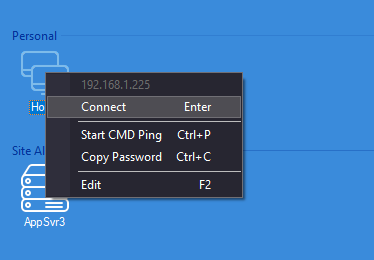
One-click RDP launching
Launch straight into Windows Remote Desktop from the selected entry, with support for saved credentials and optional display resolution settings.
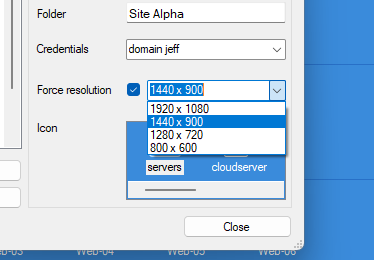
Resolution presets
Select from common window sizes for connections, while still allowing fullscreen behaviour where appropriate.
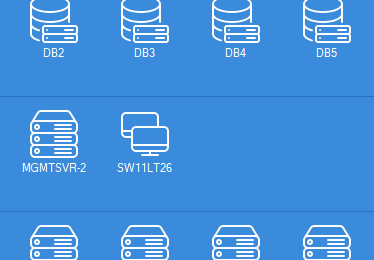
Visual icon system
Different server-type icons and adjustable icon sizes make it easier to distinguish systems at a glance.
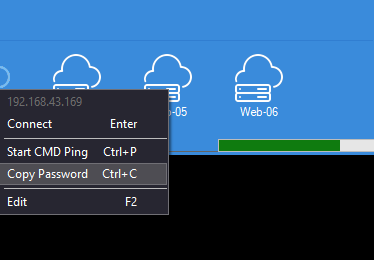
Right-click admin tools
Use contextual actions to connect, edit a selected host, open a ping session or copy the linked password to the clipboard temporarily.
Tray and window behaviour
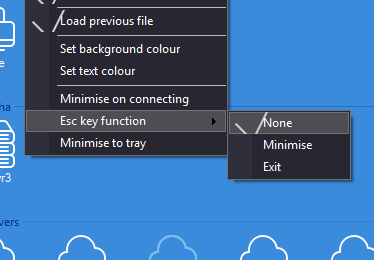
Supports minimise to tray, minimise on connect, remembered location, remembered size, remembered icon size and configurable Escape key behaviour.
Built for real-world admin use
The application is clearly aimed at practical day-to-day operations rather than being a generic demo. Features such as auto-loading the previous connection file, grouped views, quick ping access and timed password clearing show that the workflow has been shaped around real support usage.
Interface and usability touches
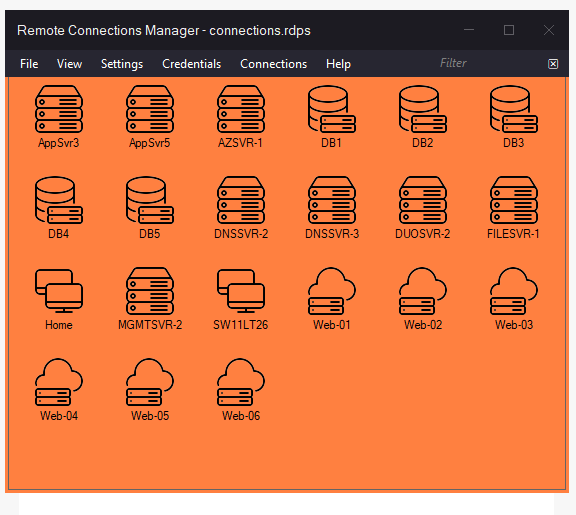
Beyond the core remote access functions, the application includes interface customisation such as background colour, border colour and text colour settings, plus a polished desktop feel with custom window controls and a connecting overlay.
Ideal for
- IT support engineers
- Infrastructure administrators
- MSP environments
- Developers with multiple remote targets
- Internal operations teams
Typical use cases
- Separate connection packs per customer or site
- Organise servers by environment
- Keep repeated admin credentials reusable
- Quickly test reachability before connecting
- Launch known systems faster during support work